Connect WhatsApp, Messenger & Instagram
Link your social messaging channels to FEAI so your AI Agent can automatically receive and reply to messages from your customers across all platforms.
WhatsApp WABA Facebook Messenger Instagram DM
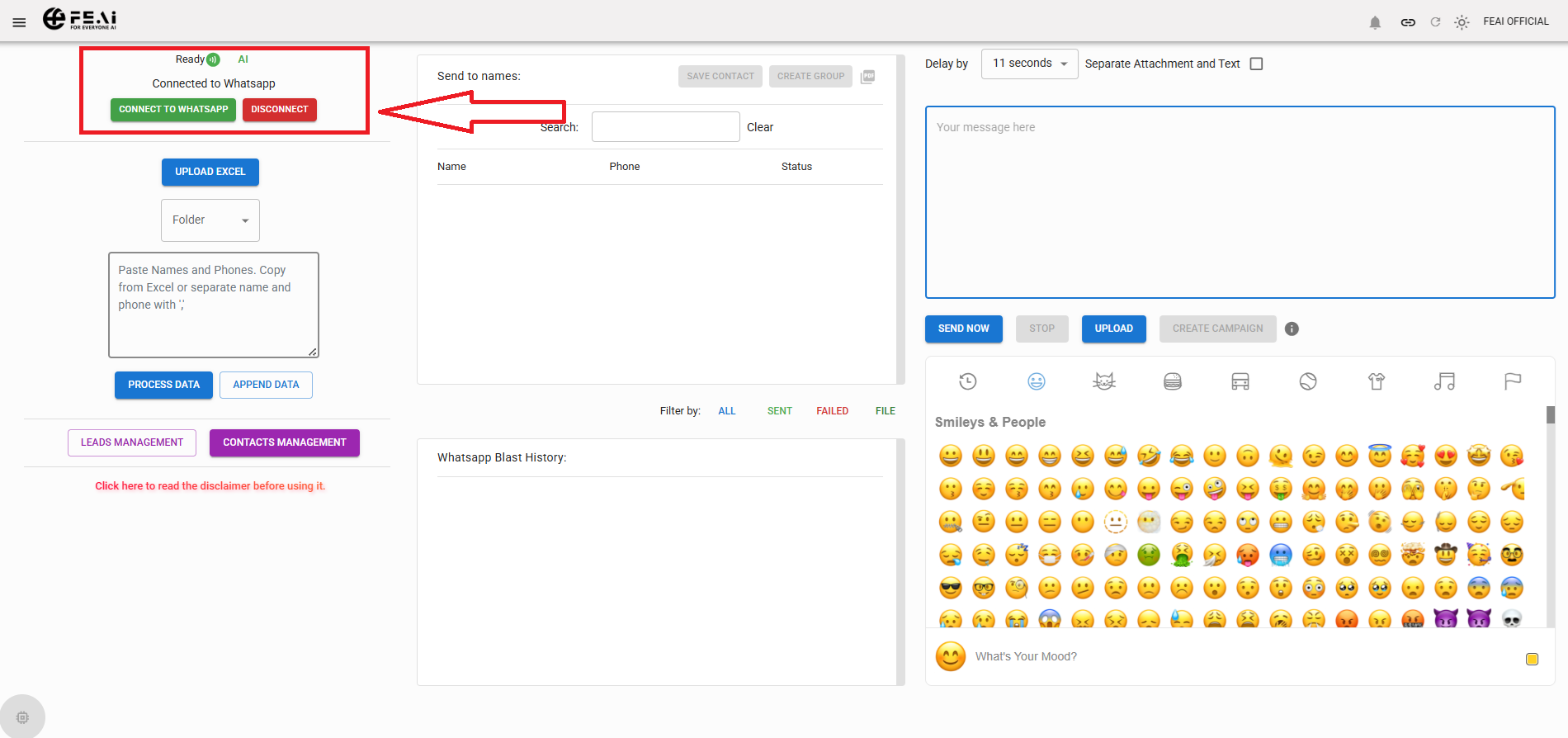
Choose your channel — tap a card to see setup steps
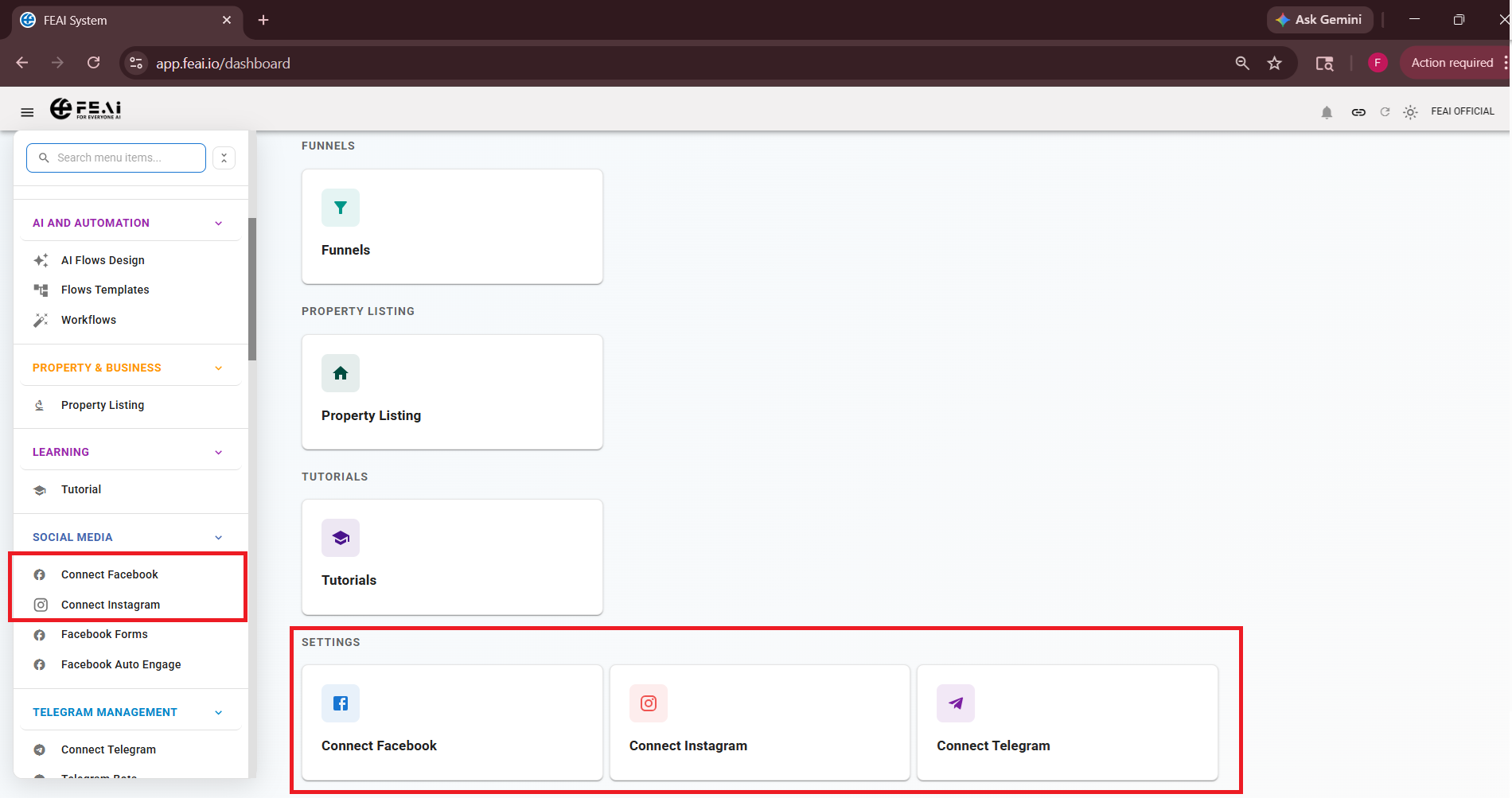
After connecting — check your Chat Inbox
💬 Chat Inbox
Once your channels are connected, all incoming messages from customers will appear in your Chat Inbox under WhatsApp & Communication. This is your live conversation dashboard.
- See all incoming messages in real time across all connected channels
- Your AI Agent handles replies automatically — but you can step in manually anytime
- Assign conversations to specific team members from the inbox
- Mark conversations as resolved once completed
⚠️ Important: After connecting your channel, go back to your AI Agent in AI Flows Design and make sure your WhatsApp number is added under Assigned Numbers. Without this step, your AI Agent will not know which number to monitor and reply to.